PRODUCT DOCUMENTATION
Get started with campaigns & in-store messaging.
Add the recording
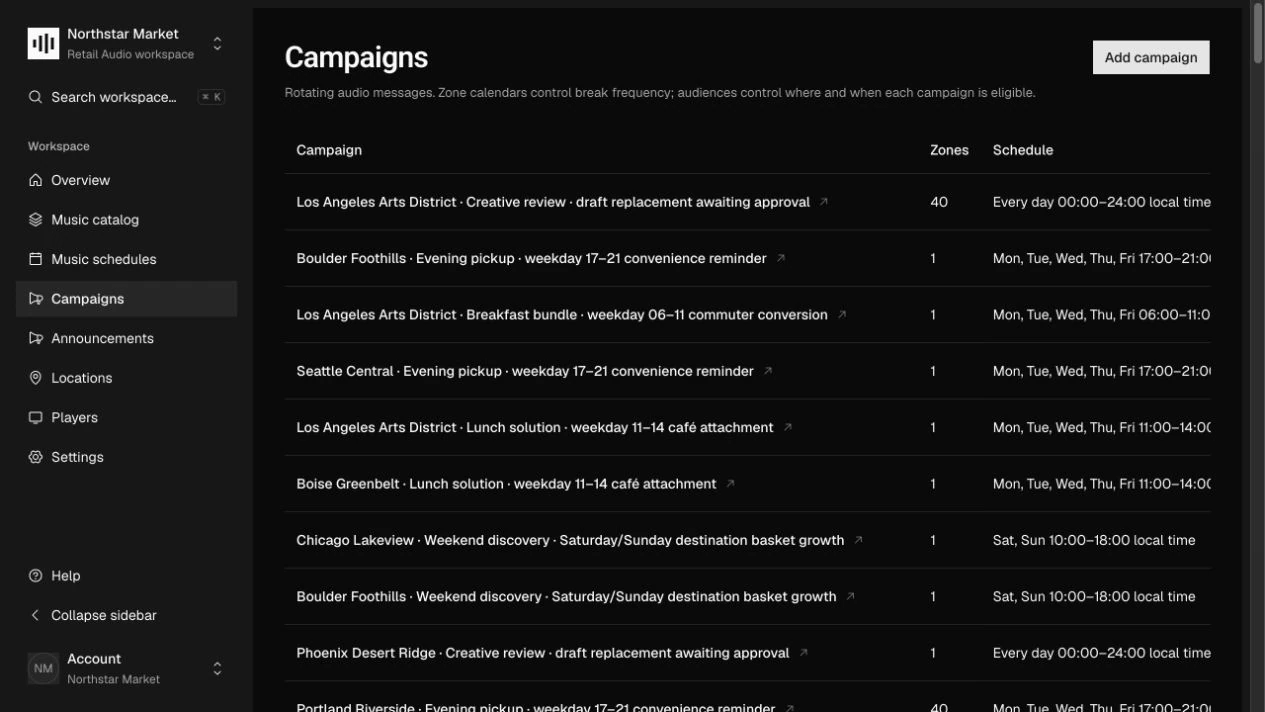
Open Campaigns, create a campaign, and upload its audio. The file is validated before it becomes a recording. Set the campaign’s name, status, priority, and active dates for the offer.
Define who can hear it
Under Campaign audiences, choose Add audience. Use Select zones for specific spaces or Match by tags for a group. Choose dates, weekdays, and a daily window, then select Save audiences.
Set the frequency
Open Settings → Weekly calendars to set account campaign rotation. Add a slot using songs, minutes, or Off, and set the message count, interval, and maximum lateness. Add zone slots where local timing should differ.
Publish and review the zone
Choose Publish campaign after the audio and at least one audience are saved. Open a zone’s Campaign rotation pool to review matching content. Draft and paused items remain visible there for planning but are not eligible for playback.
How it works.
Eligibility is not frequency
An audience decides where and when a campaign may play. The effective zone calendar controls break opportunities and messages per break. Individual campaigns do not have their own song or minute timers.
Local overrides and quiet windows
Zone slots replace account rules only within their windows. Gaps inherit account rotation; an explicit Off slot prevents it. Off stops campaign opportunities, while independently scheduled announcements remain enabled.
Fair rotation
The player contract selects least-recently-served eligible campaigns, with priority and stable ID as tie-breakers. The message count is a maximum: a short pool does not repeat the same message to fill a break.
Work through the API.
The same workflow is available through the core HTTP API. Paths below are relative to your core API origin. Your installation serves the full request and response schemas at /docs/ and /openapi.json.
| Method | Endpoint | Purpose |
|---|---|---|
POST | /v1/campaigns | Create a campaign, optionally with a ready audio fileId. |
PUT | /v1/campaigns/{id}/eligibility | Replace the campaign’s complete audience rules. |
PUT | /v1/account/campaign-rotation | Save the default weekly rotation calendar. |
PUT | /v1/zones/{id}/campaign-rotation | Save partial-week overrides for one zone. |
Things to know.
- Pause a published campaign before removing its last audience. Audio and at least one audience are required for publication.
- Playback limits and expiry still apply. Rotation execution is defined by the player contract; platform audio engines remain in development.